Attentive
Last updated: November 3, 2026
Connect Attentive to Polar to report on your SMS marketing, such as messages sent and subscriber growth, alongside your other channels.
Before you start
You need Admin access in Attentive.
The person who connects Attentive needs the Admin or Connector role in Polar. If the Attentive account owner doesn't use Polar, invite them to your workspace for the setup. See Managing Users and User Roles & Permissions.
Connect Attentive
In Polar, go to the Connectors page and find Attentive:
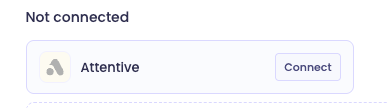
Click Connect. You're taken to Alloy, the service Polar uses to connect to Attentive.
Click Install, then Connect to Attentive.
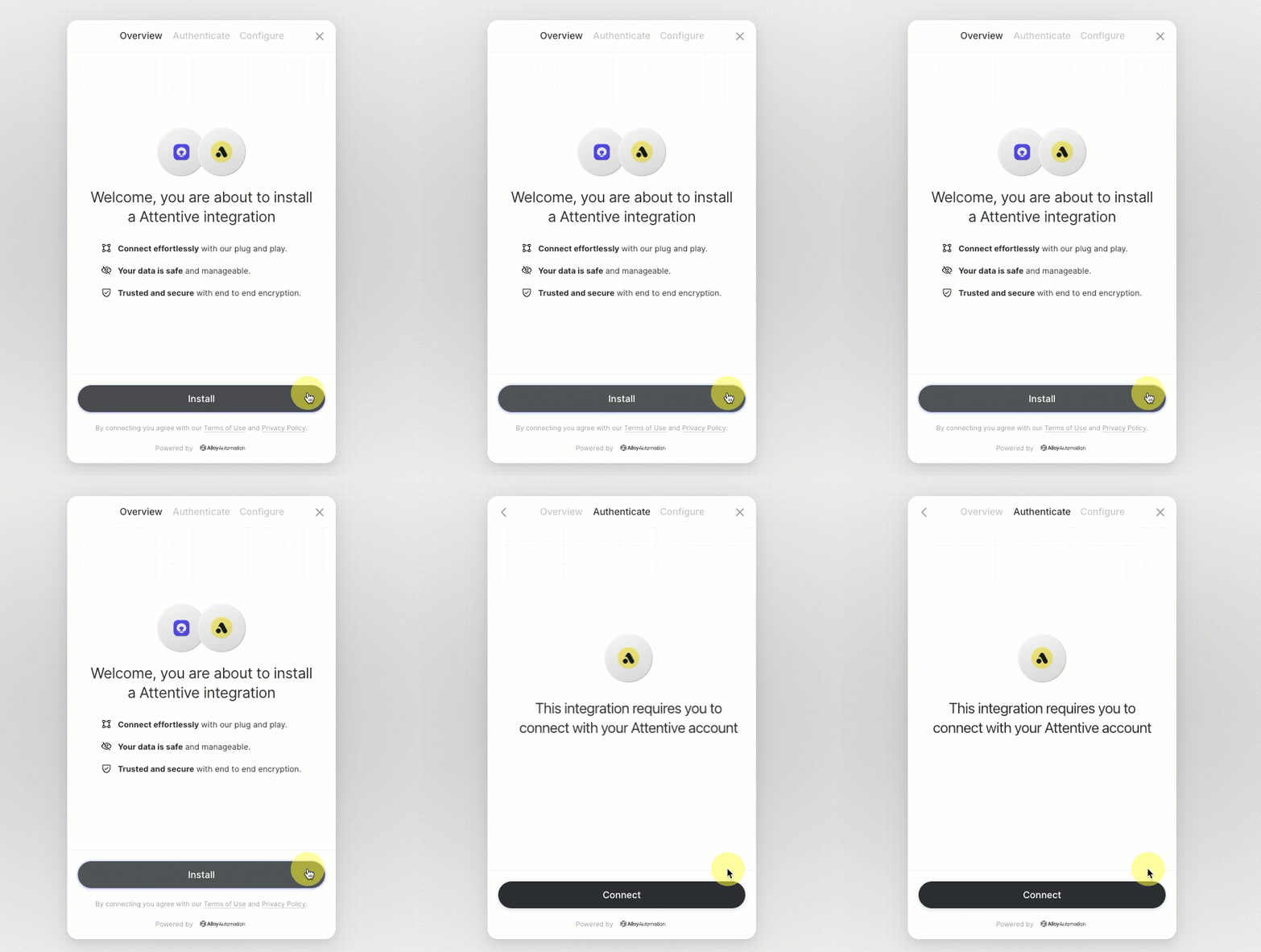
In the pop-up, log in to Attentive and approve the connection.
The sync starts automatically. The first sync can take up to 24 hours. See Data Syncs.
Metrics and dimensions
Explore them in the custom table builder.
Metrics
Total SMS Sent, Total SMS Sent (Campaign), Total SMS Sent (Concierge), Total SMS Sent (Journey), Total SMS Subscriptions, Total SMS Unsubscriptions
Dimensions
Group | Dimensions |
|---|---|
Company | Company Id, Company Name |
Creative | Creative Name, Creative Subtype, Creative Type |
Message | Message Channel, Message Id, Message Text, Message Type |
Link clicks | Message Link Click Message Channel, Message Link Click Message Id, Message Link Click Message Link Id, Message Link Click Message Link Target, Message Link Click Message Type |
Subscriber | Subscriber Email, Subscriber External Id, Subscriber Phone, Subscription Type |
FAQs
Why don't I see Attentive data after 24 hours?
Check that the Attentive connector shows as connected on the Connectors page. If it doesn't, reconnect it. See Managing Connectors.
What is Alloy?
Alloy is the service Polar uses to connect securely to Attentive. You'll see it during setup, but you don't need an Alloy account.