Data Syncs
Last updated: September 29, 2026
This article explains how long the first sync takes, how often each data source refreshes, how time zones affect when a day's data is complete, and where to check sync status.
Initial sync
When you first connect a data source, Polar imports its historical data. This can take up to 24 hours, depending on your time zone, your plan's refresh frequency, and how much history there is to import. Some connectors, such as Klaviyo, Facebook and Amazon, can take longer because of their API rate limits.
You'll get an email once your account is fully synced.
Historical data: to import your full history, you need a paid plan.
How often data refreshes
Source | Refresh frequency |
Shopify | Every 15-30 minutes |
Polar Pixel (live data) | Real time. Covers the last 72 hours, with no attribution applied. |
Polar Pixel (attributed metrics) | Hourly or daily, depending on your plan |
Snapchat Ads | Once a day, because Snapchat's API doesn't provide hourly conversion data |
Other connectors | Depends on your plan. Ask your Customer Success Manager about hourly refreshes. |
Some platforms also need time to finalize their own data before Polar can pull it. For example, Google Analytics 4 can take up to 12 hours to process data. See Understanding Data Discrepancies Between Polar and Google Analytics.
How time zones affect data
Polar reports each store's data in that store's local time zone, then groups it by the date you select in your dashboard. If you have stores in several time zones, a given day isn't complete until that day has ended in every one of them.
For example, for January 15:
Store location | January 15 ends at |
Auckland (UTC+13) | January 15, 11:00 UTC |
London (UTC) | January 16, 00:00 UTC |
New York (UTC−5) | January 16, 05:00 UTC |
In this example, January 15 is only complete for all stores after New York's day has ended and synced.
Connectors with a fixed time zone
Some connectors always report in a set time zone because of how their APIs work:
Connector | Time zone used |
Google Analytics 4 | Your Polar account time zone |
Google Sheets | UTC |
Pinterest Ads | UTC |
Recharge | EST |
Check your sync status
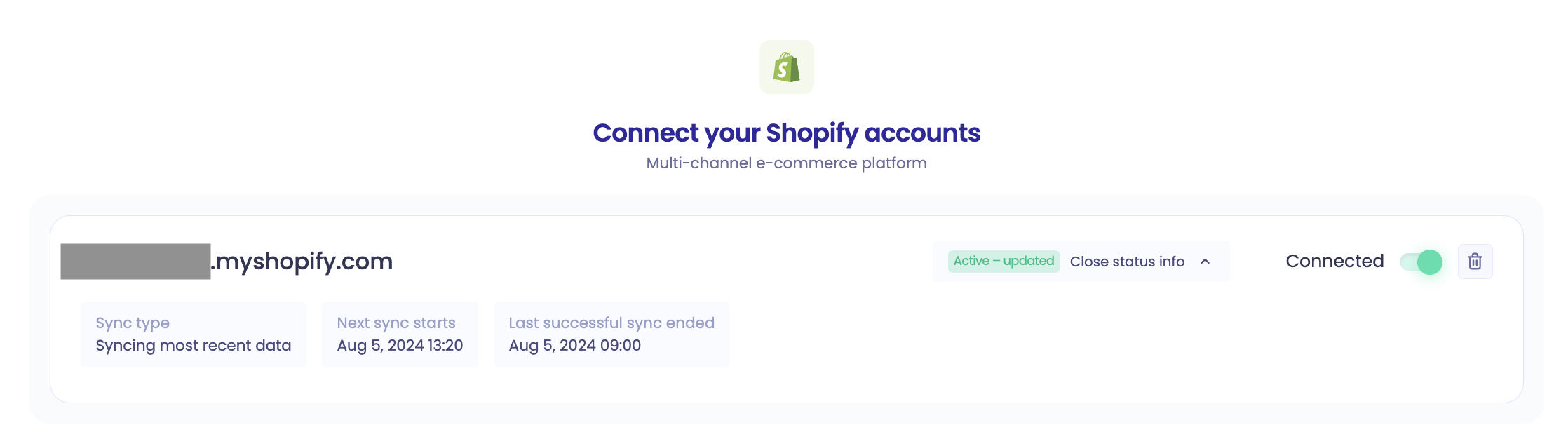
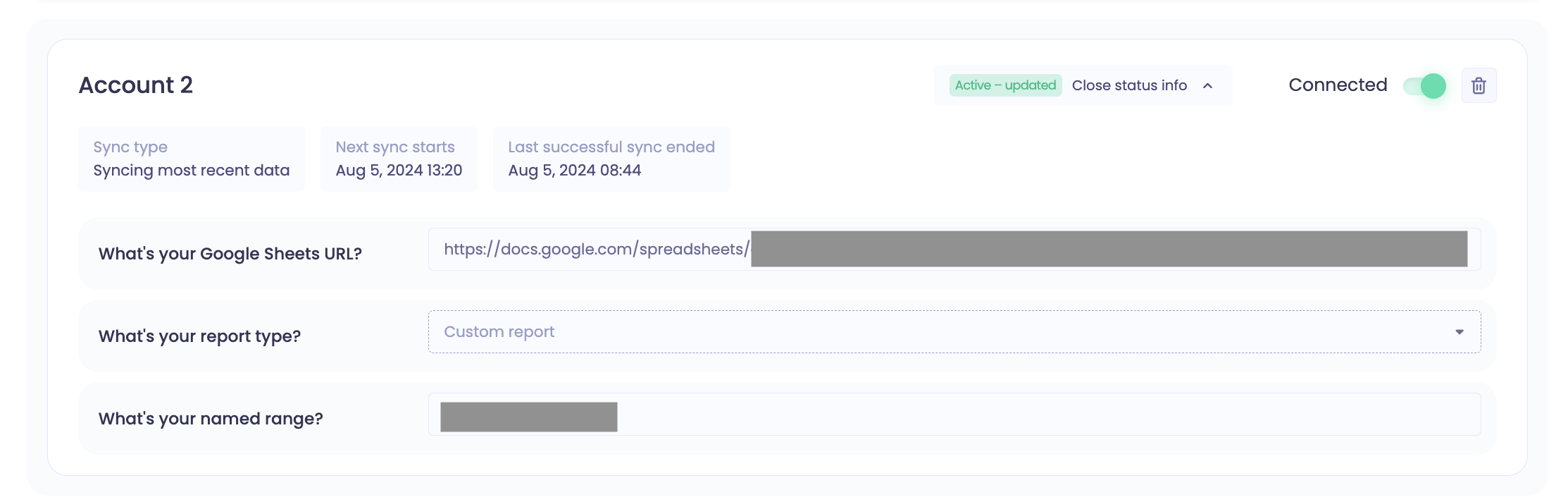
To see a connector's last sync time and next scheduled sync, go to the Connectors page and click Configure on that connector.
Example: Shopify
Example: Google Sheets
Disabled connectors: if you disable a connector, its previously synced data stays in Polar, but no new data is imported. See Managing Connectors.