Using custom table templates
Last updated: September 25, 2026
Instead of building a custom table from scratch, you can start from one of Polar's ready-made templates. Templates are based on the reports Polar customers use most, and come with the metrics, breakdowns and filters already set up.
Use a template
Open the custom table builder.
Click the template you want to use. Its metrics, breakdowns and filters load into your table automatically.
Customize the table if needed by adding or removing metrics, breakdowns and filters, then save it.
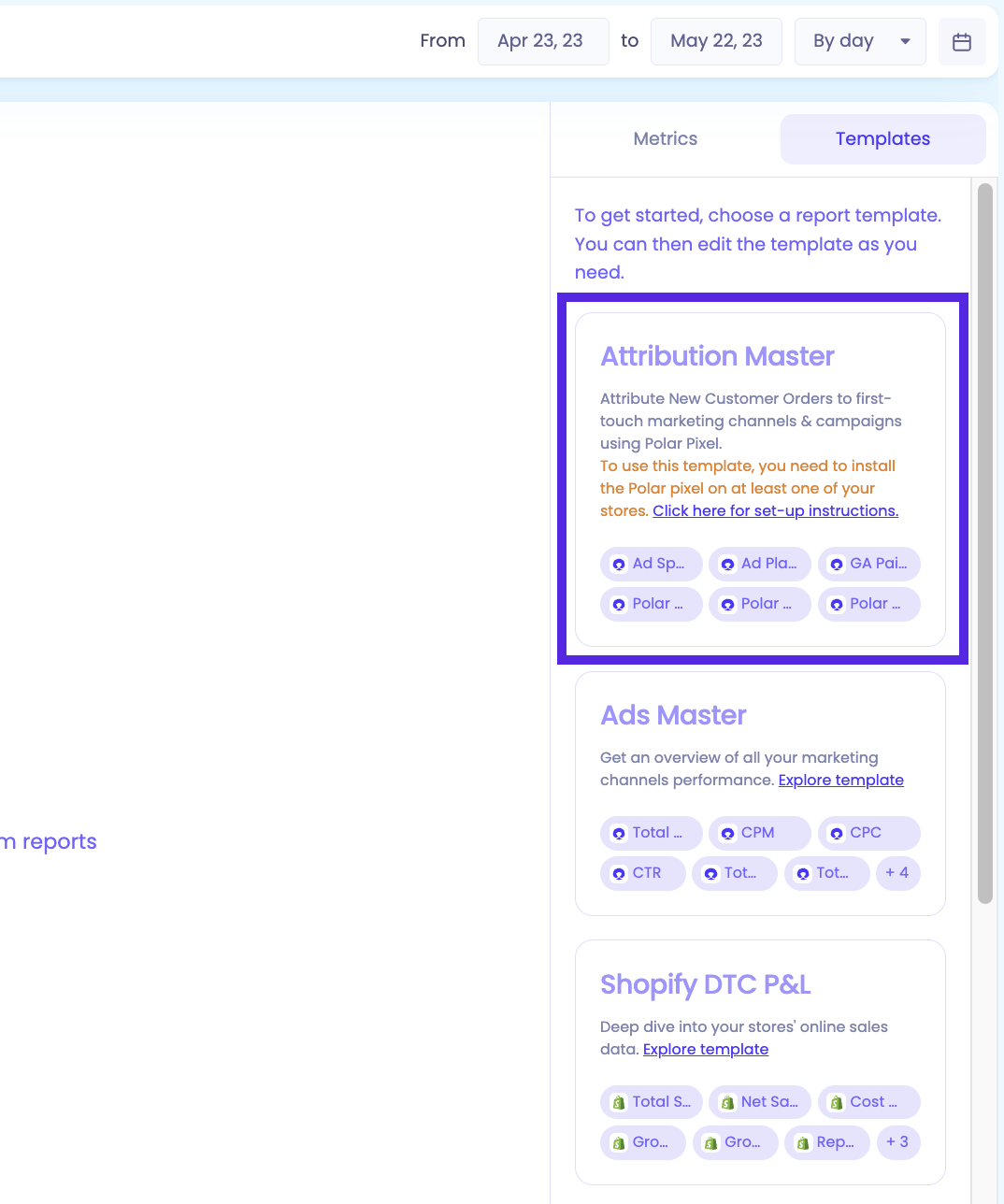
Popular templates
Template | Use it for |
Attribution Master | Analyzing marketing performance by channel and campaign. Especially useful if you've installed the Polar Pixel. |
Ads Master | Quickly reviewing key advertising metrics across your ad platforms. |
Shopify DTC Profit & Loss | Seeing revenue, costs and profit for your Shopify store in one place. |
Shopify Sales Report | A breakdown of your Shopify sales over time. |
More templates are available in the builder. For everything you can do once your table is set up, see Understanding Custom Tables & Charts.