Can I compare my metrics to a previous time period in my Custom Reports?
Last updated: September 17, 2026
Compare your metrics directly in the custom reports from Previous Year or Previous Period
You can compare your metrics directly in the Custom Reports!
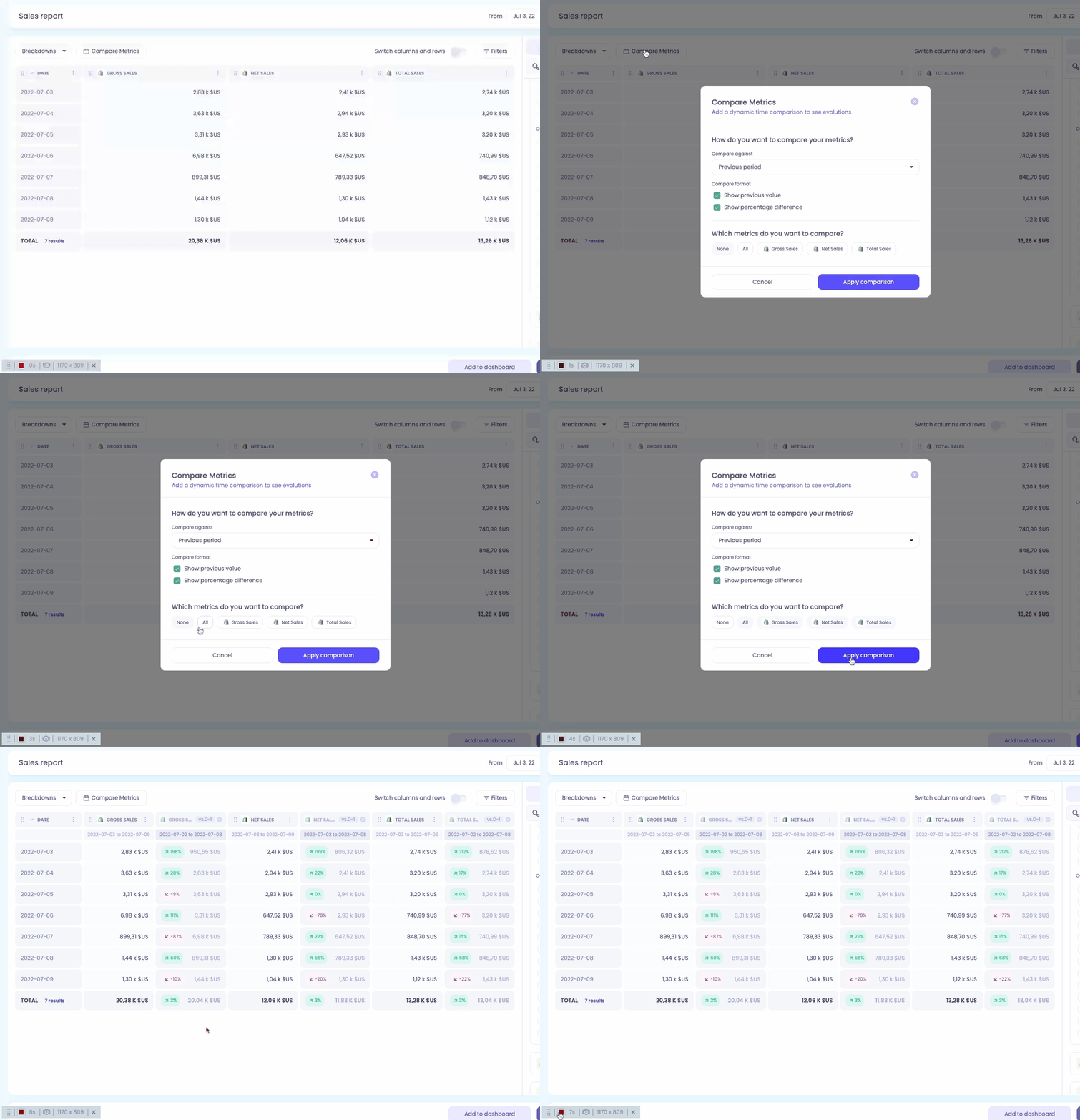
To do that:
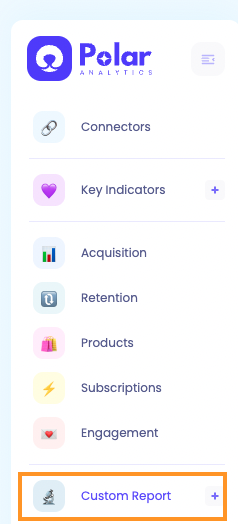
Edit an existing report or create a new one
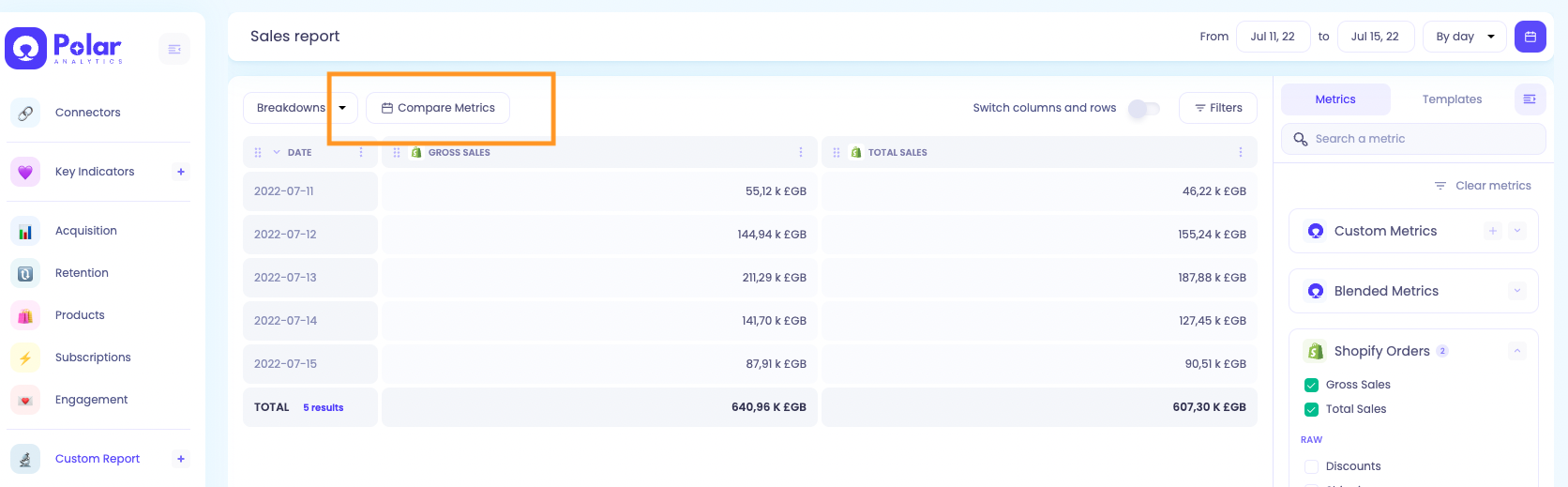
Once you are in the report, add metrics if the report is empty. The "Compare Metrics" option appears
You then have a popup with options to customize your comparison
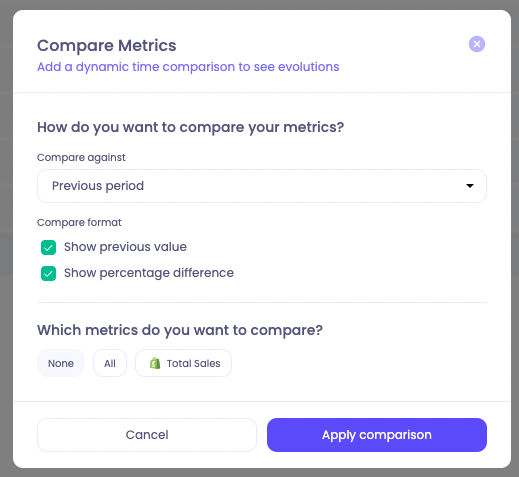
Select what you want to compare your metric against. You can choose 'Previous period' (which will be dynamic depending on the time granularity of the report), or 'Previous year'. For example: If you select 'Previous Period' in the popup and you are looking at Total Sales by week in your report, you will get Total Sales of previous week.
Choose the format. You can display both the previous value and the percentage difference.
And if you want to apply it to all or just specific metrics
Then click on "Apply" and that's it!
You can view which dates you are comparing to by hovering over each cell.
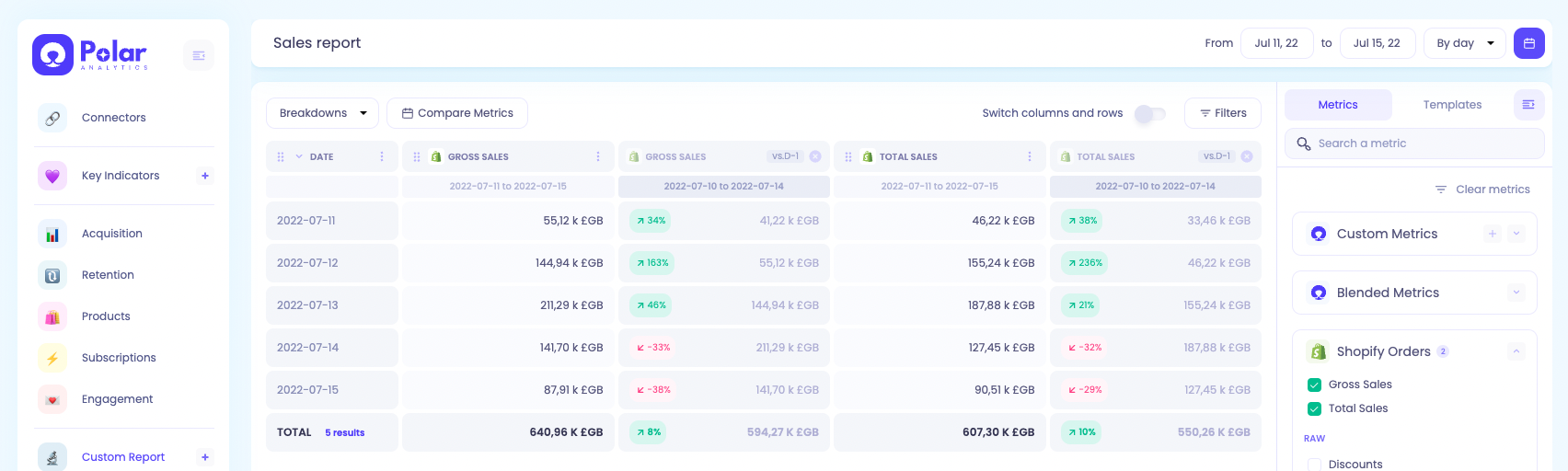
You can then Save your report and you are done :)