Klaviyo Tracking Parameters Guide
Last updated: November 3, 2026
Set up UTM tracking in Klaviyo so the Polar Pixel can attribute orders to your Klaviyo campaigns and flows. For why tracking parameters matter, see the Universal Tracking Parameters Guide.
Set up UTM tracking in Klaviyo
In Klaviyo, go to Settings > Other > UTM tracking.
Set these UTM parameters:
UTM parameter
Campaign value
Flow value
Source
Klaviyo
Klaviyo
Campaign
Campaign name
Flow message name
Id
Campaign ID
Flow ID
Term
Klaviyo profile ID
Klaviyo profile ID
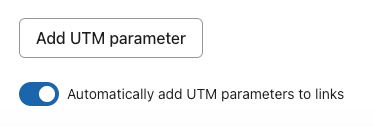
Turn on Automatically add UTM parameters to links.
Click Save.
Check your campaigns and flows
Klaviyo only adds the parameters to messages that are set to include them.
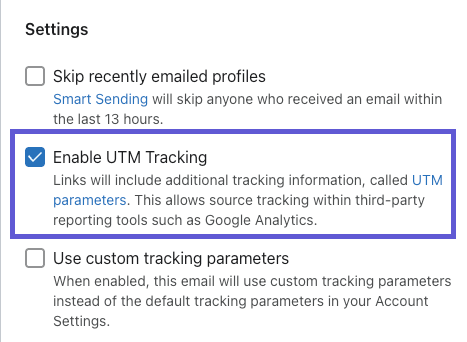
In each campaign's settings, make sure tracking parameters are always included.
Check that the same setting is on for every email in your flows.
FAQs
Which channel does Klaviyo traffic show up as?
Email/SMS. Polar's default channel grouping puts sessions from Klaviyo in that channel. See Understanding Channel Grouping.
Do the new settings apply to emails I've already sent?
No. Only messages sent after you turn on UTM tracking include the parameters, so attribution for Klaviyo improves from then on.