Troubleshooting the Polar Pixel on Headless Stores
Last updated: October 16, 2026
This guide helps you verify that the Polar Pixel is installed and firing on a headless (non-Shopify theme) storefront, such as Hydrogen, Next.js, Remix, or another custom build. Headless stores install the Pixel with the Polar Pixel SDK.
Check that the Pixel is firing
Open your website in a browser.
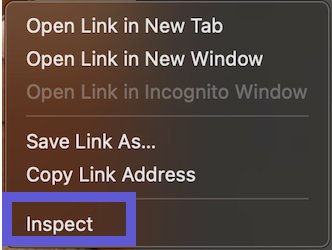
Launch the Developer Tools (right-click → Inspect).
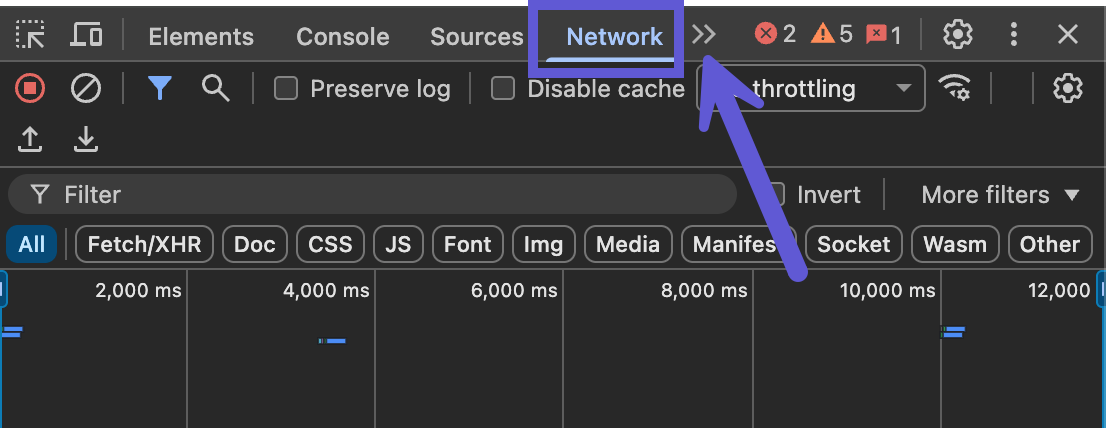
Go to the Network tab. If you don't see it, look for the ">>" arrows on the toolbar to expand more options.
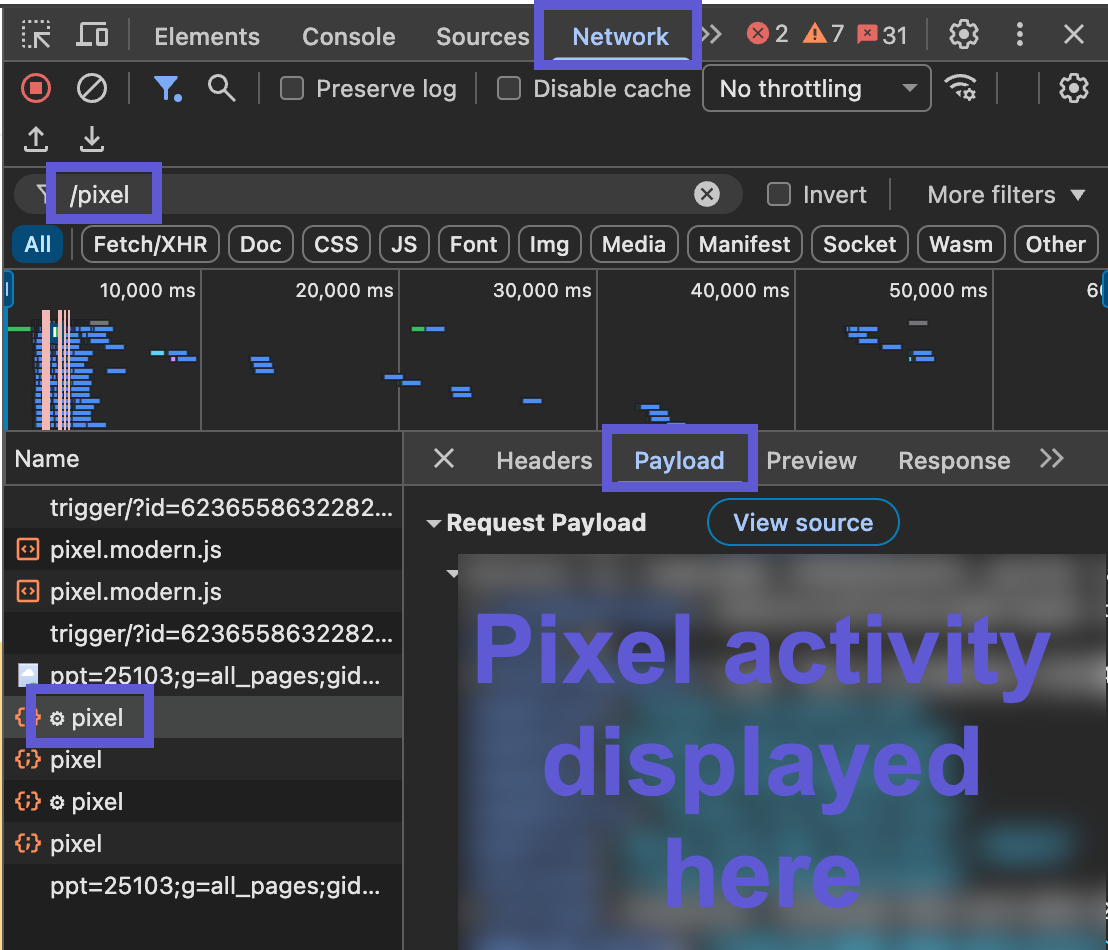
In the filter field, type
pixel, then refresh the page.Find the request to the Polar pixel endpoint and confirm it has a successful status (200 or 204).
With that request selected, switch to the Payload tab and check that
shopifyEventId,shopifyShopURL, anduser_idare all set.Navigate around your site (click links, visit different pages, add a product to cart) and confirm a new request fires for each event.
Note: On headless stores, it's expected that the Pixel setup section on the connector page shows "No Attribution data." Use the Network tab check above instead.
Advanced Troubleshooting
No Pixel request appears in the Network tab
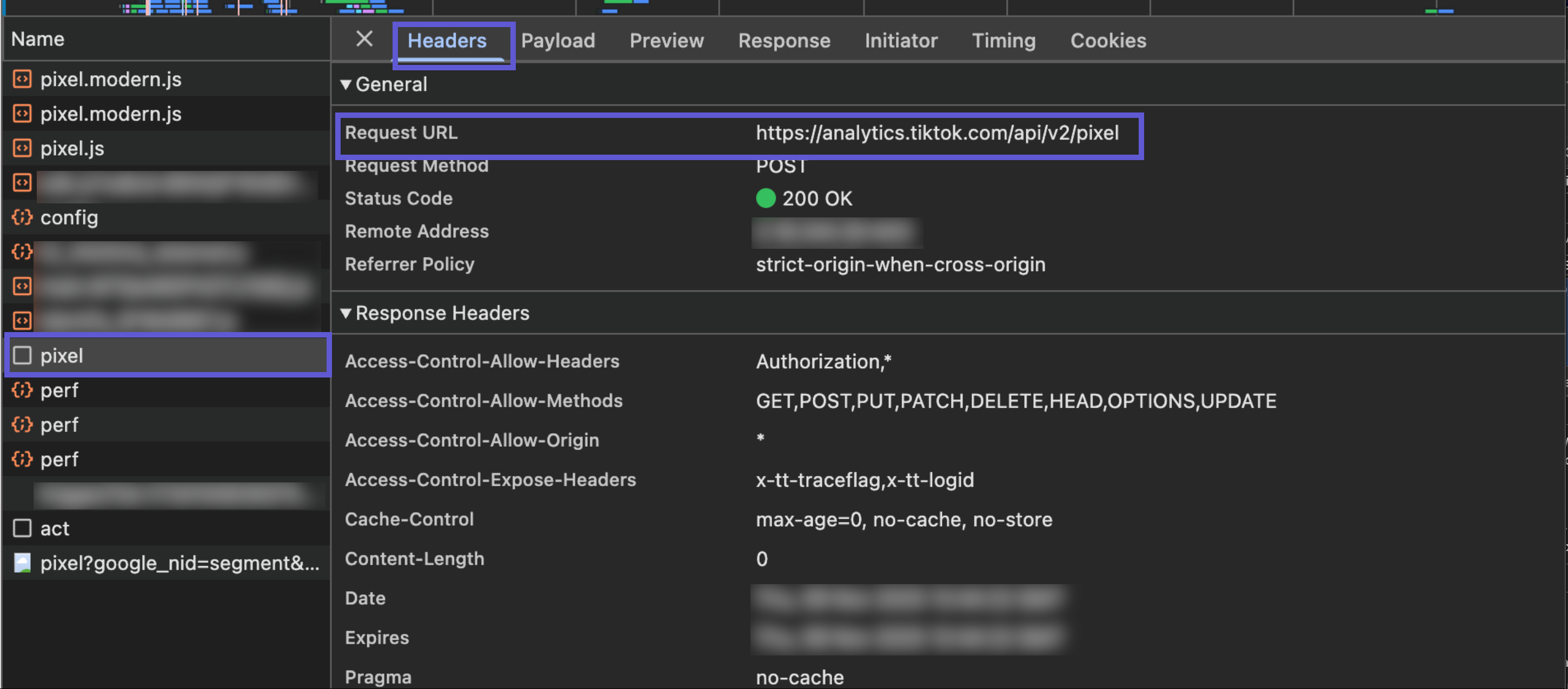
The SDK isn't being called. Check the Headers tab of your site's requests for the Request URL. If Polar doesn't appear in any Request URL, like in the example below, the Pixel is not installed on this site.
The Pixel fires on the first page load but not when navigating
Most headless storefronts, including Hydrogen, are single-page apps. The browser doesn't do a full page load when the URL changes, so page_viewed won't fire again on its own. Your developer needs to call it from the router's route-change hook. See the SPA route changes section of the SDK documentation for examples.
The request succeeds but events are missing in Polar, or the payload shows some-id
Check the shopifyShopURL value in the payload. It must be your store's *.myshopify.com domain (for example my-store.myshopify.com), not your customer-facing storefront URL. Polar uses this domain to match events to your account. If it's missing or still set to a placeholder, you'll see an error like some-id in the payload, as in the screenshot below, which means the SDK hasn't been configured correctly.

The request shows status 0 or a CORS error
Your site's Content Security Policy is likely blocking the Polar pixel endpoint. Your developer should add the Polar pixel hostname to the connect-src directive.
More help
For full installation instructions, code examples, and additional troubleshooting, see the Polar Pixel SDK documentation and the Complete Installation & Tracking Setup Guide.